
Choose how names appear on seats
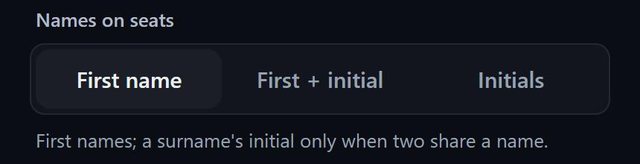
SeatSpot writes a guest's name on their chair in the style you choose: first name, first name plus initial, or initials. By default it adds a surname initial only when two guests at a table share a first name.
- Where in the app
- Settings, Names on seats
- Plan
- Free plan
- Account
- None needed
- Updated
How it works
- Open Settings and find Names on seats.
- Choose First name, First + initial (Emma S) or Initials (ES).
- Open the floor plan. Every seat uses the new style.
- Tap a seat when two guests with the same initials share a table.
Good to know
- By default Anna K and Anna Z get initials only when they sit at the same table. Two Annas at opposite ends of the room keep bare first names.
- Seats from a headcount always show a number such as G12.
- The setting belongs to the phone, not to an event.
- Printed sheets keep full names whatever the setting.
- Names on seats is part of the free plan.
Common questions
Does this change the printed cards?
No. Printed sheets keep full names.
Which style fits a crowded table?
Initials always fit, even on a twelve-seat table.
Is it saved per event?
No. It is saved per phone.