
Every SeatSpot feature, explained
SeatSpot is a seating chart app for weddings and events. Each feature below has its own page with a real screen from the app, step-by-step instructions and answers to common questions. They are listed from the ones you will use most to the smallest details.
The essentials
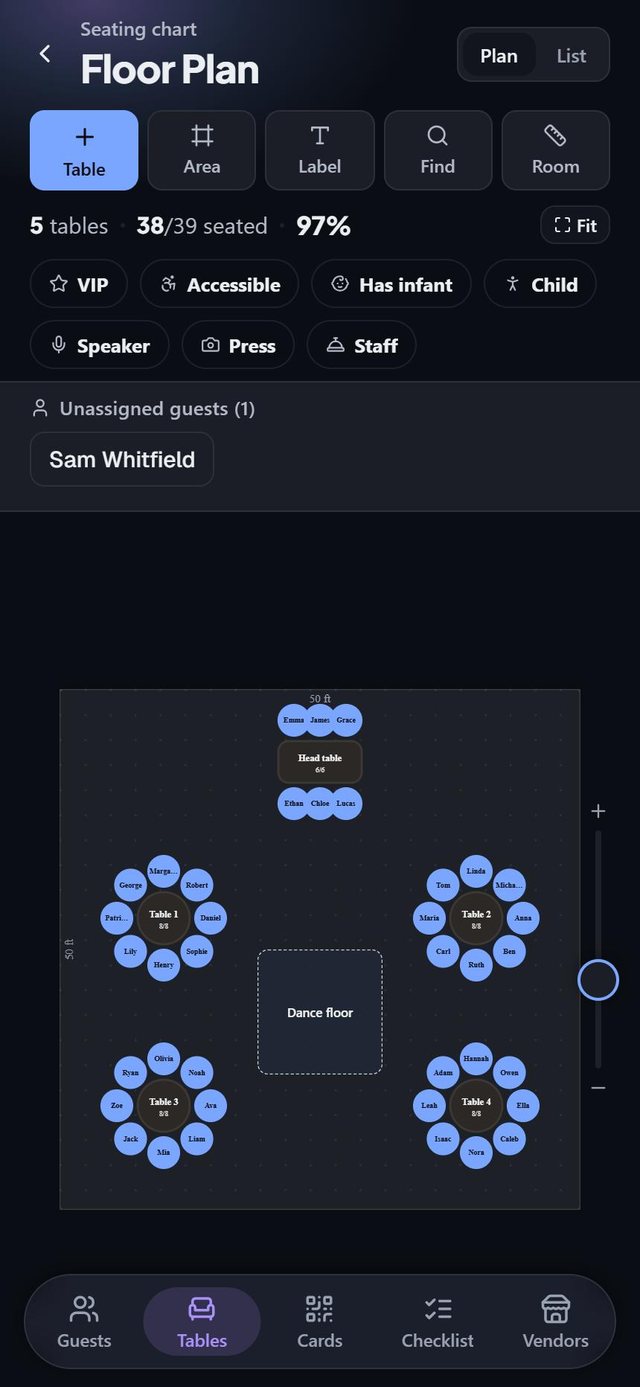 A floor plan drawn to scaleSet the size of the room and place tables where they really go. What you see is what the venue holds.
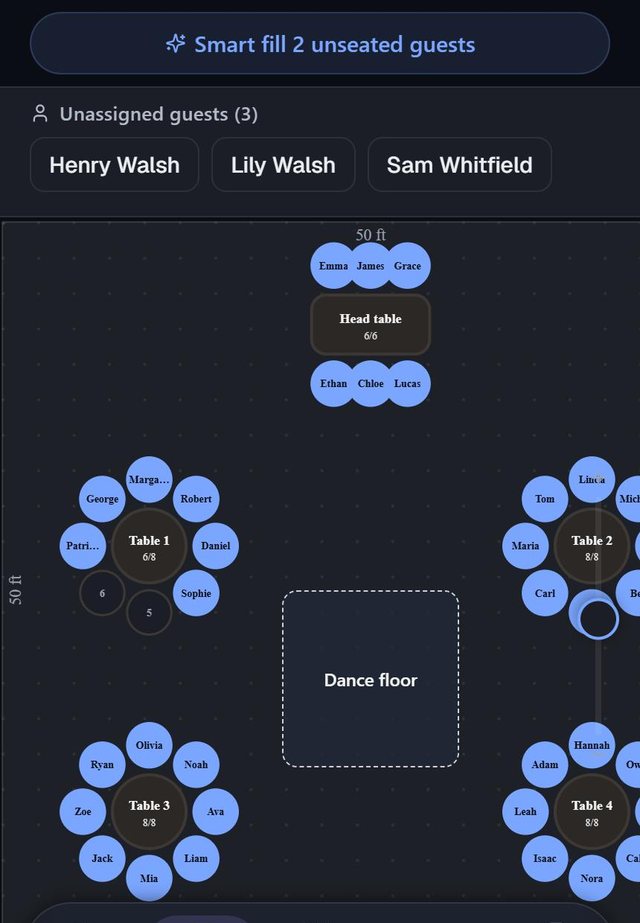 Drag guests onto chairsUnassigned guests wait above the plan. Pick a name, drop it on a chair, and see who sits next to whom.
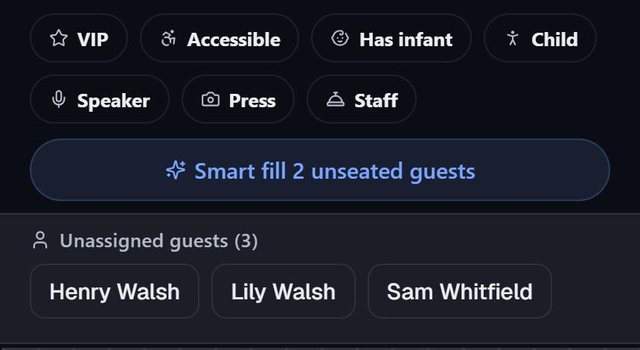 Smart fill seats the restOne tap seats every confirmed guest who still has no chair. It tells you what it had to give up, and one tap undoes it.
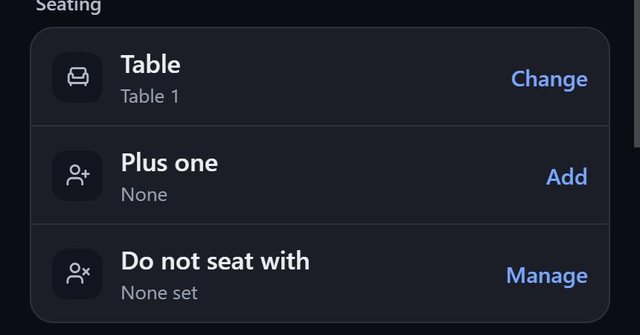 Do-not-seat-with is enforcedMark the pairs who should be apart. The app flags them the moment they share a table.
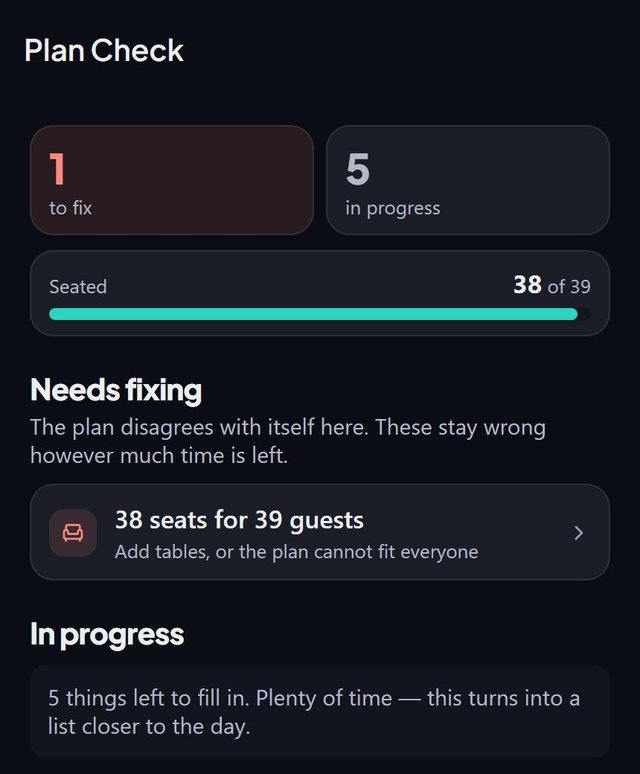 Plan check before the daySeparates what is wrong from what is simply not done yet, such as fewer seats than guests.
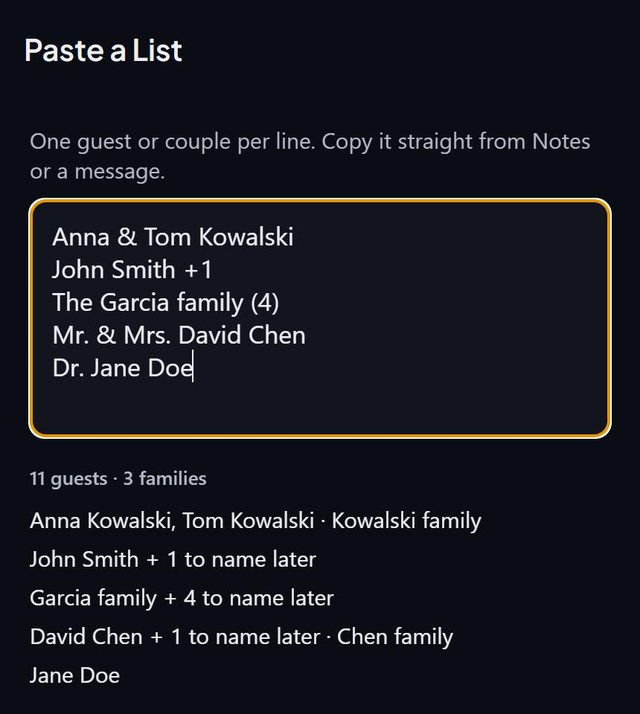 Paste your list, we'll sort it outCouples, plus-ones and families are read the way people write them, and previewed before anything is added.
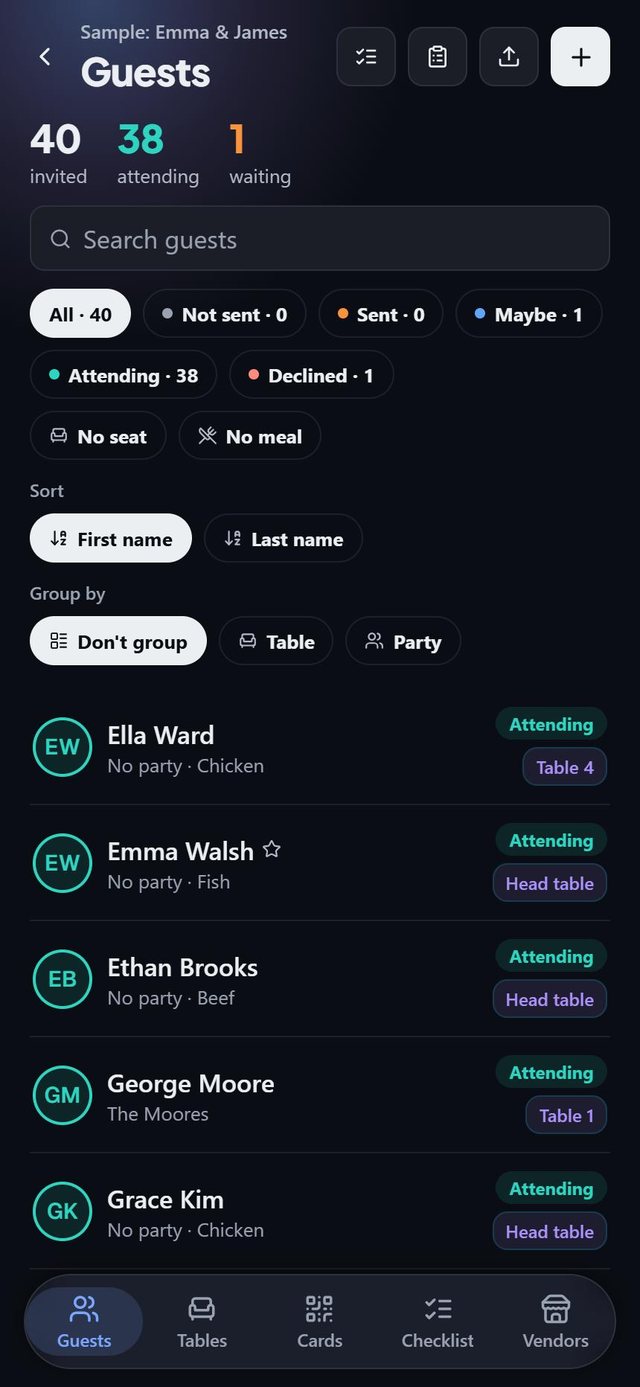 RSVPs in one listSee who is attending, who is undecided and who still needs a seat. Filter, sort, and group by table or party.
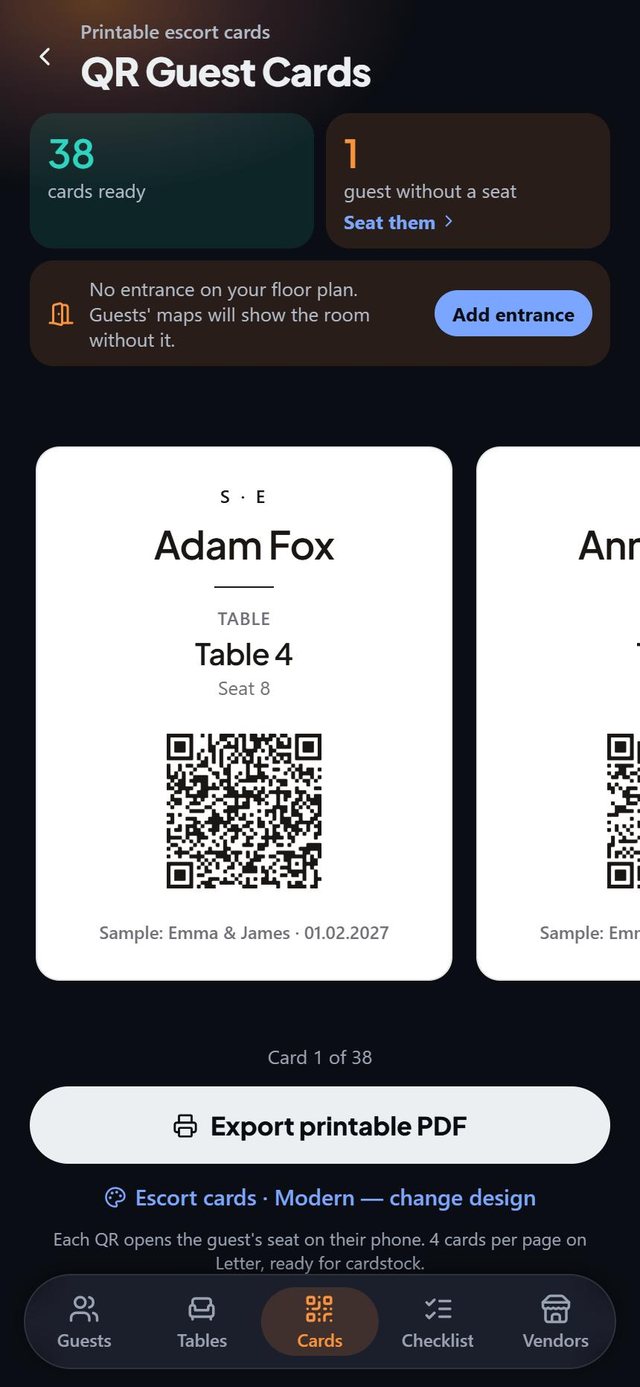 Escort cards with a QR codeName, table and seat on every card. The code opens the seat on the guest's phone, and the card works without it. Pro.
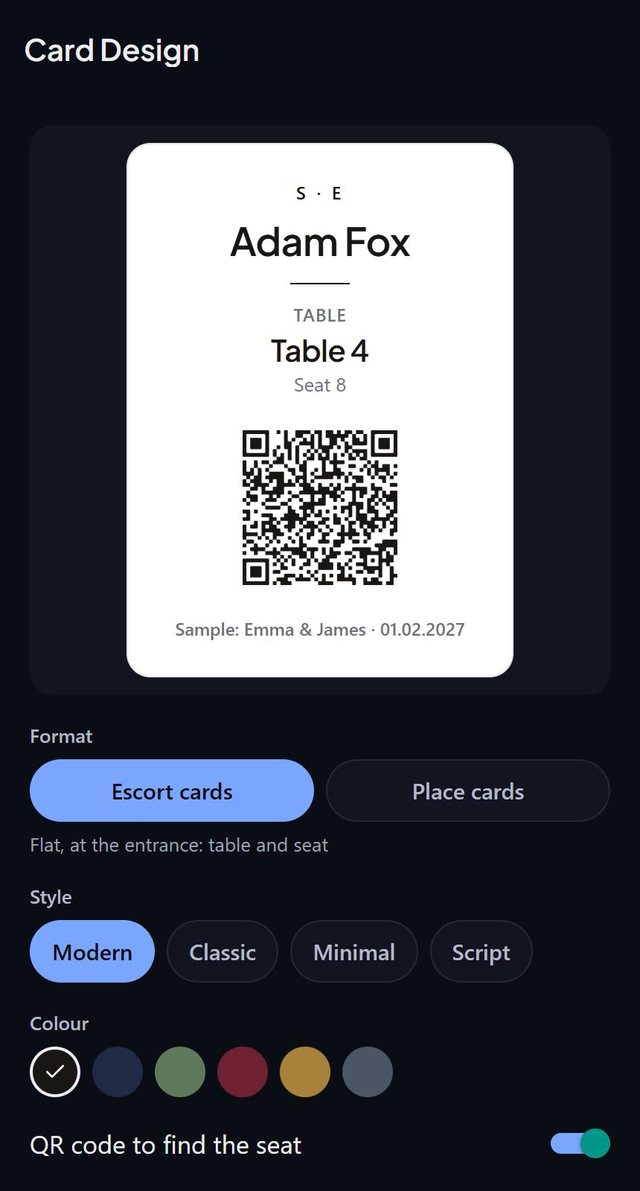 Cards in four styles and six inksEscort cards or fold-over place cards in Modern, Classic, Minimal or Script. Change the look once and the whole set matches.
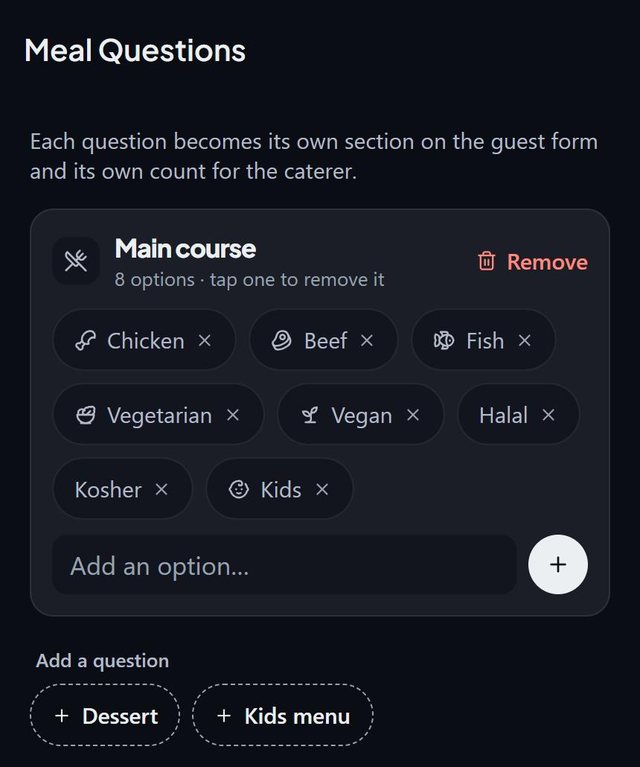 Your own meal questionsCreate the options for your menu. Each question becomes its own section on the guest form and its own count.
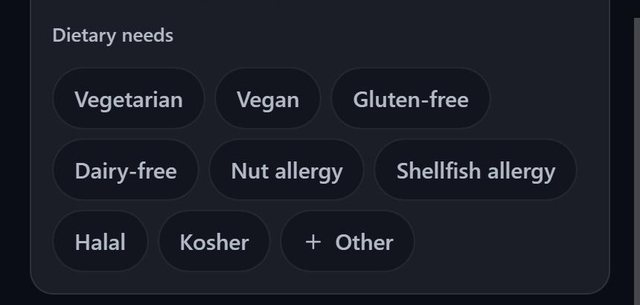 Dietary needs and allergiesVegetarian, vegan, gluten-free, dairy-free, nut and shellfish allergies, halal, kosher, or your own.
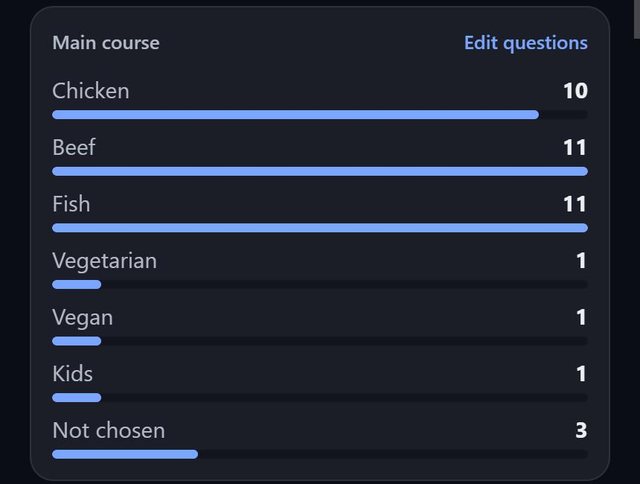 Meal counts for the catererHow many of each dish at a glance, including guests who have not chosen yet. The caterer sheet adds allergies table by table. Pro.
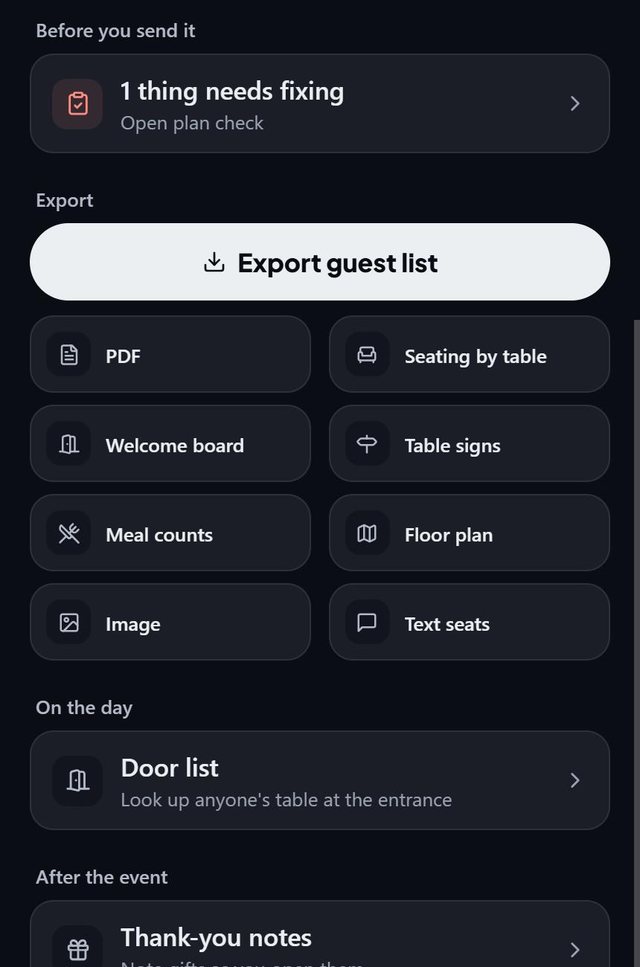 Everything the venue asks forGuest list, seating by table, welcome board, table signs, meal counts and the floor plan as PDF or image. Pro.
Makes it effortless
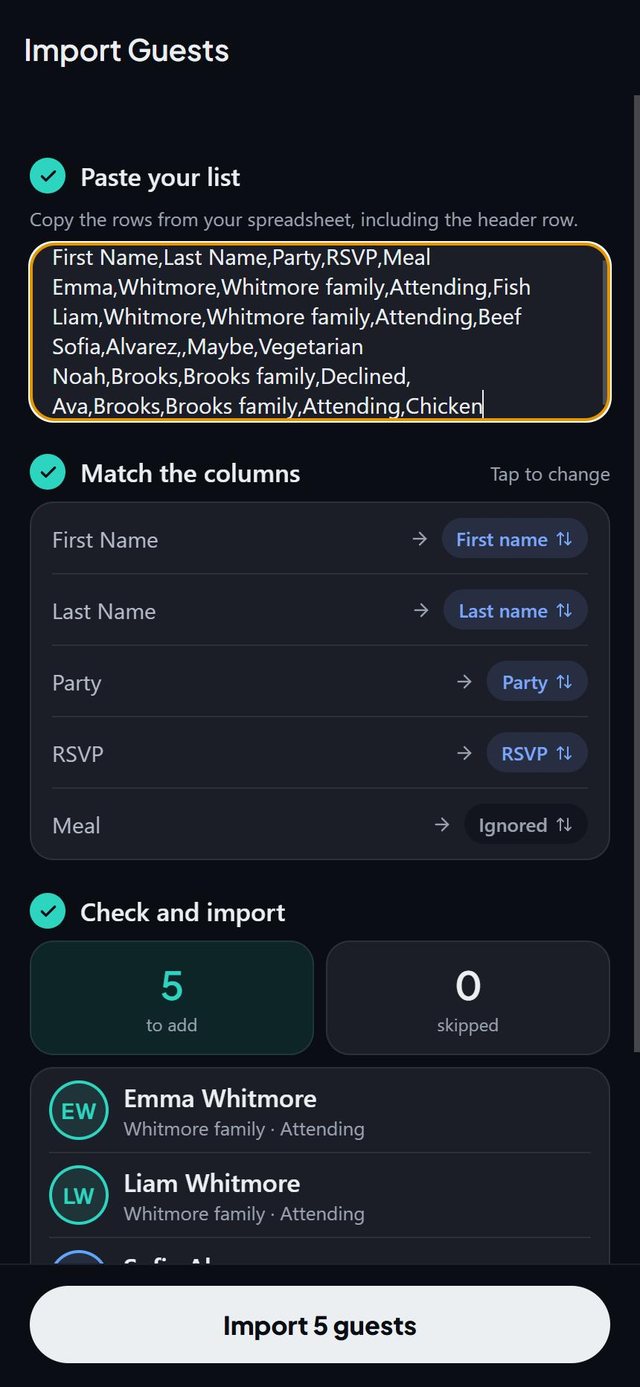 Import a spreadsheetPaste rows from Google Sheets or Excel. Columns are matched for you and you check the preview before importing.
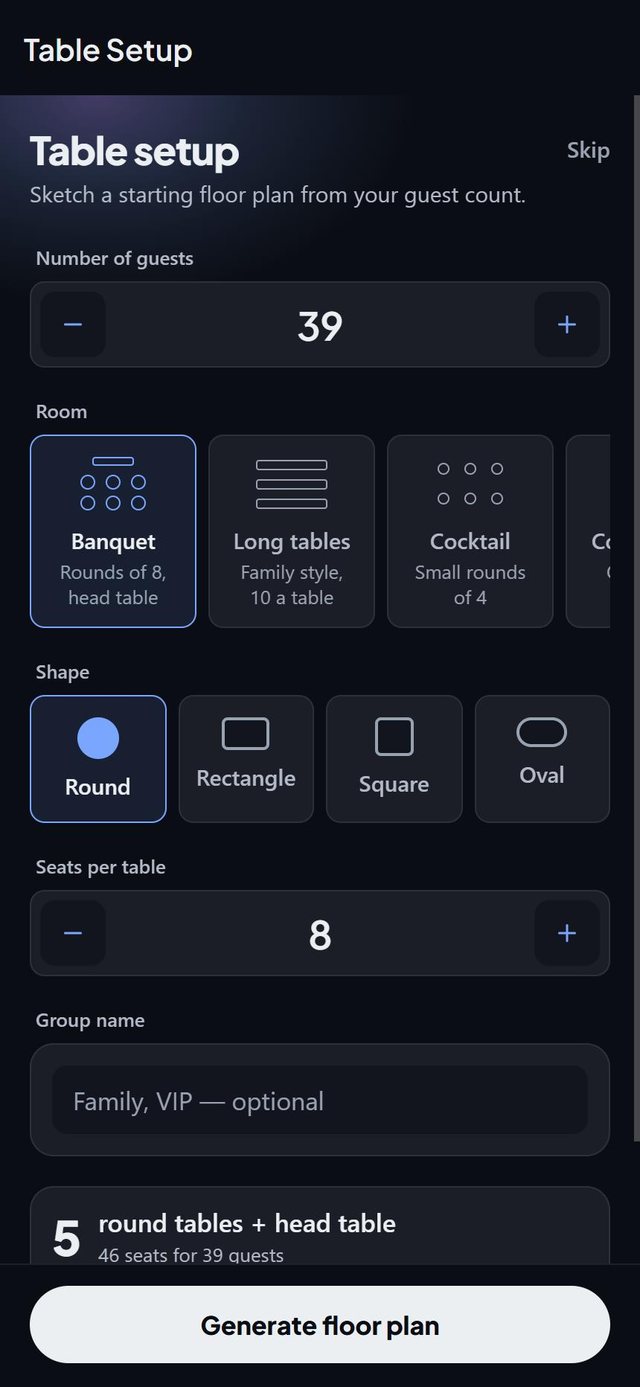 Start from a room templateBanquet with a head table, long tables, cocktail or conference. The setup builds tables for your guest count.
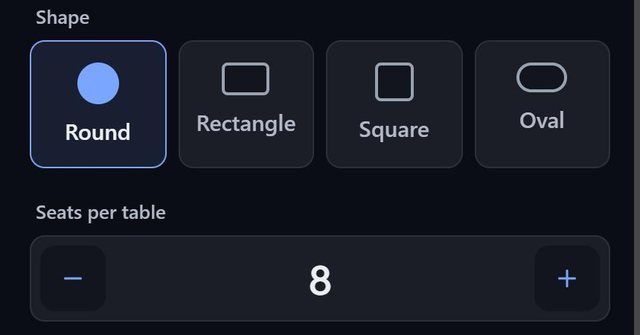 Round, rectangle, square, oval and morePick a shape and the seats per table. U-shaped head tables and single chairs are there too.
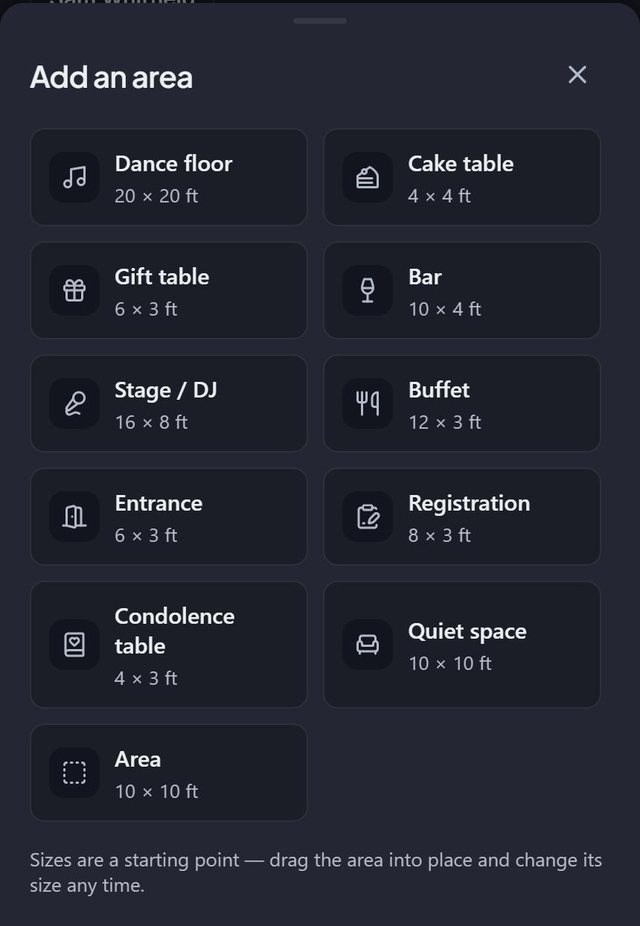 Dance floor, bar, stage and entranceDrop areas on the plan. The ones your kind of event needs come first.
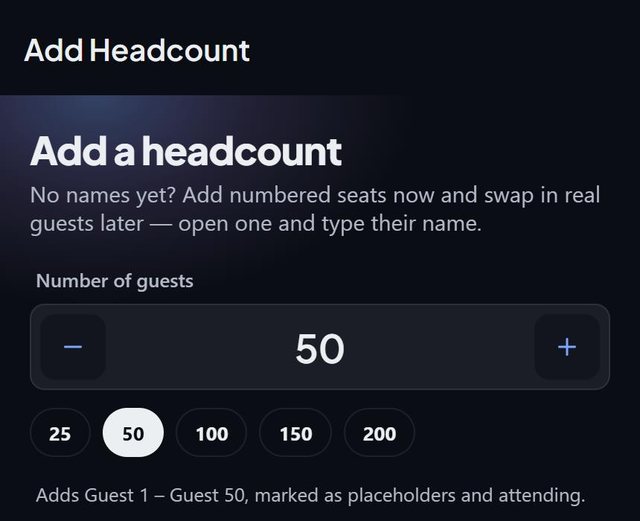 Start from a headcountNo names yet? Add numbered seats now and swap in real guests later.
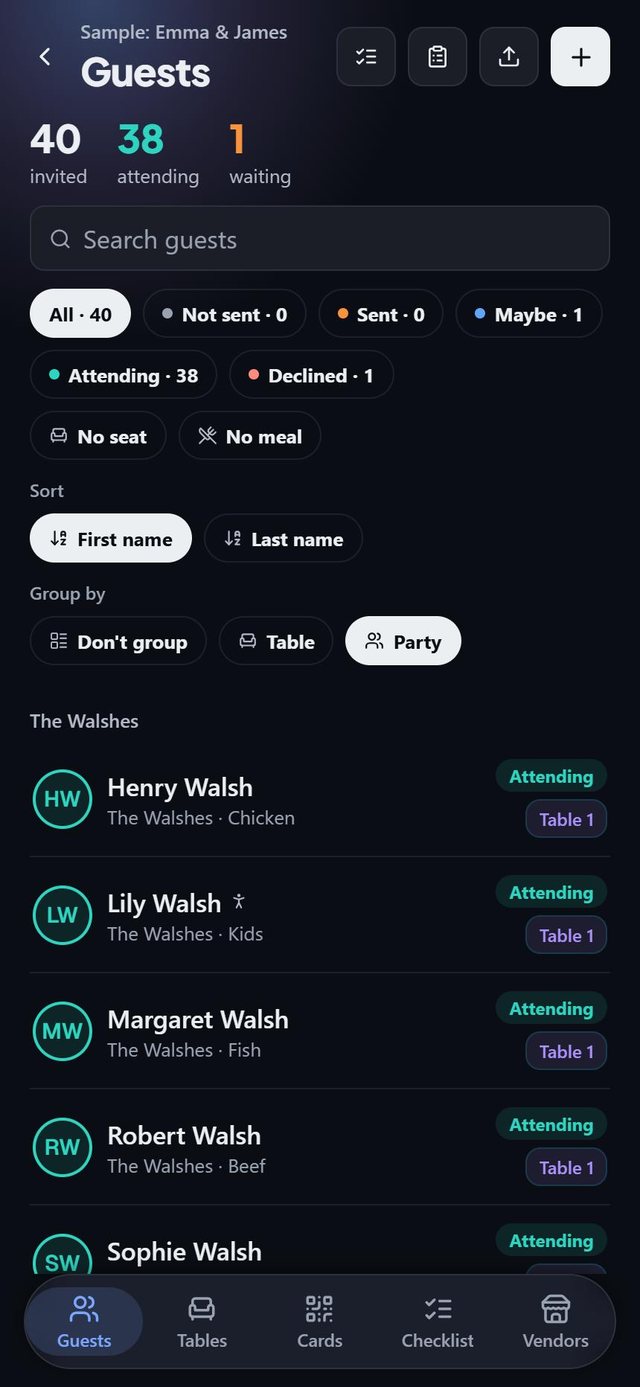 Families stay togetherGroup guests into parties and see the whole family at a glance.
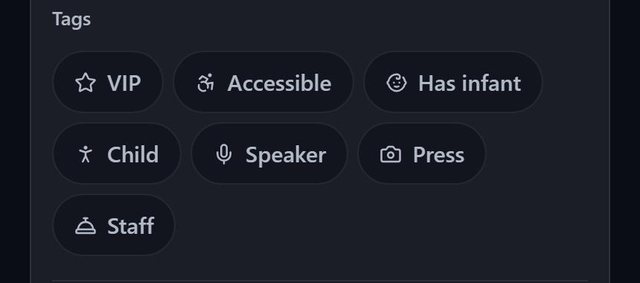 Tags for who needs whatVIP, accessible, has infant, child, speaker, press and staff. Smart fill keeps accessible guests near the entrance and speakers near the stage.
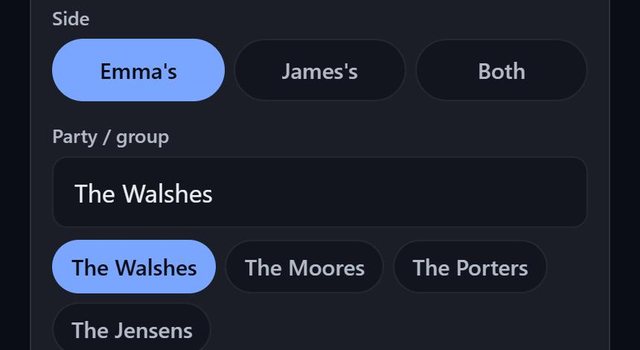 Each side of the weddingMark guests as one partner's, the other's or both, and see the split on the guest report.
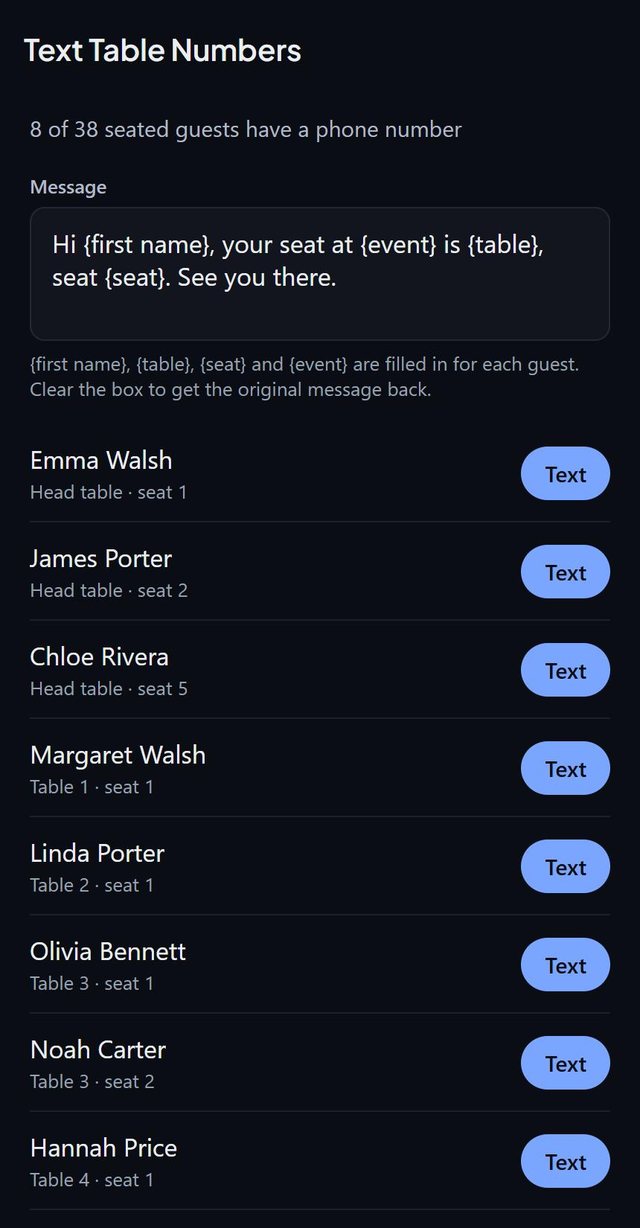 Text every guest their tableOpens Messages with the table and seat already filled in for each guest who has a phone number.
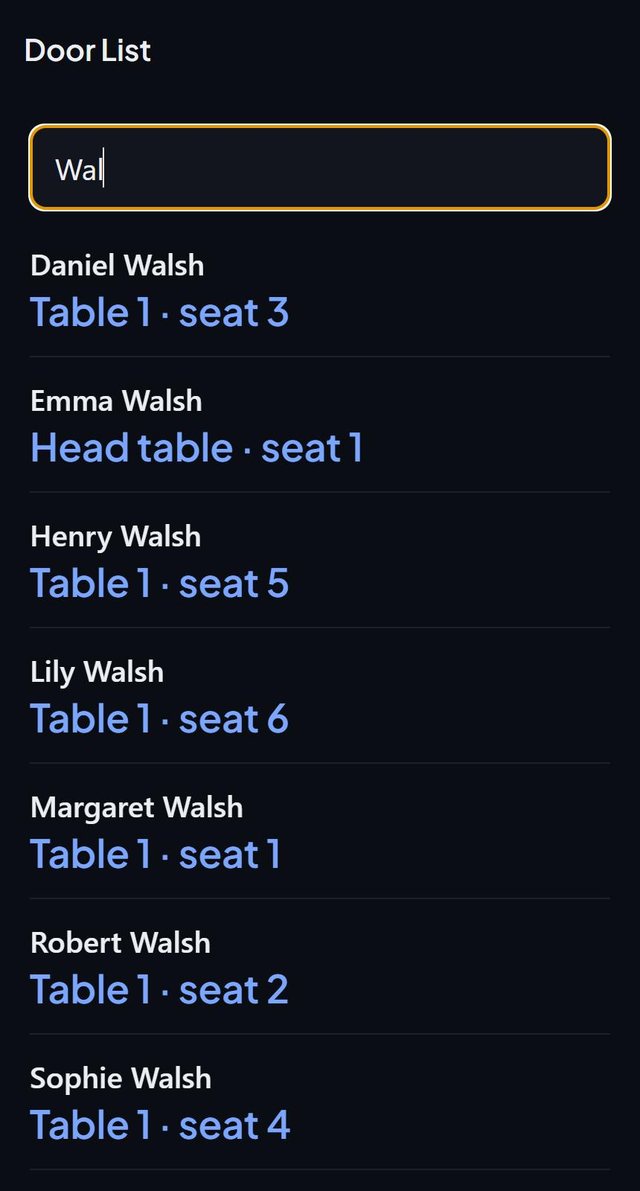 A door list for the dayType a first or last name and see the table and seat straight away.
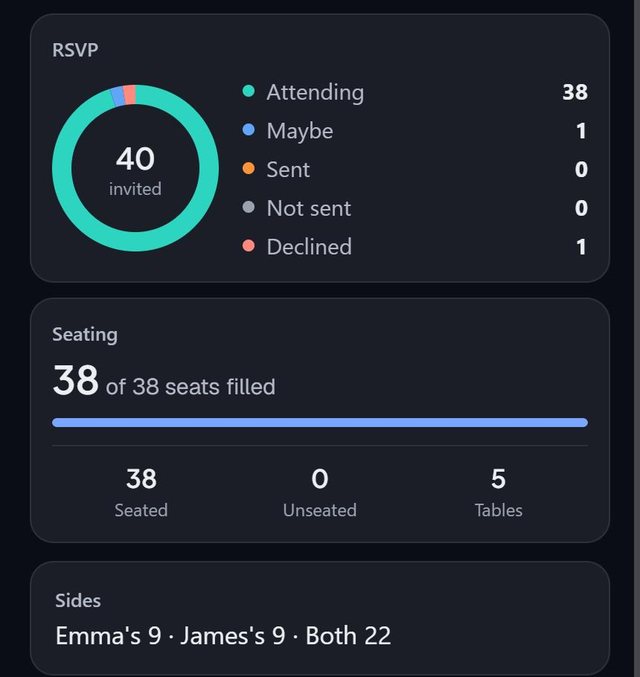 RSVPs and seating at a glanceA ring for every invitation status, plus seats filled and unseated, in one report.
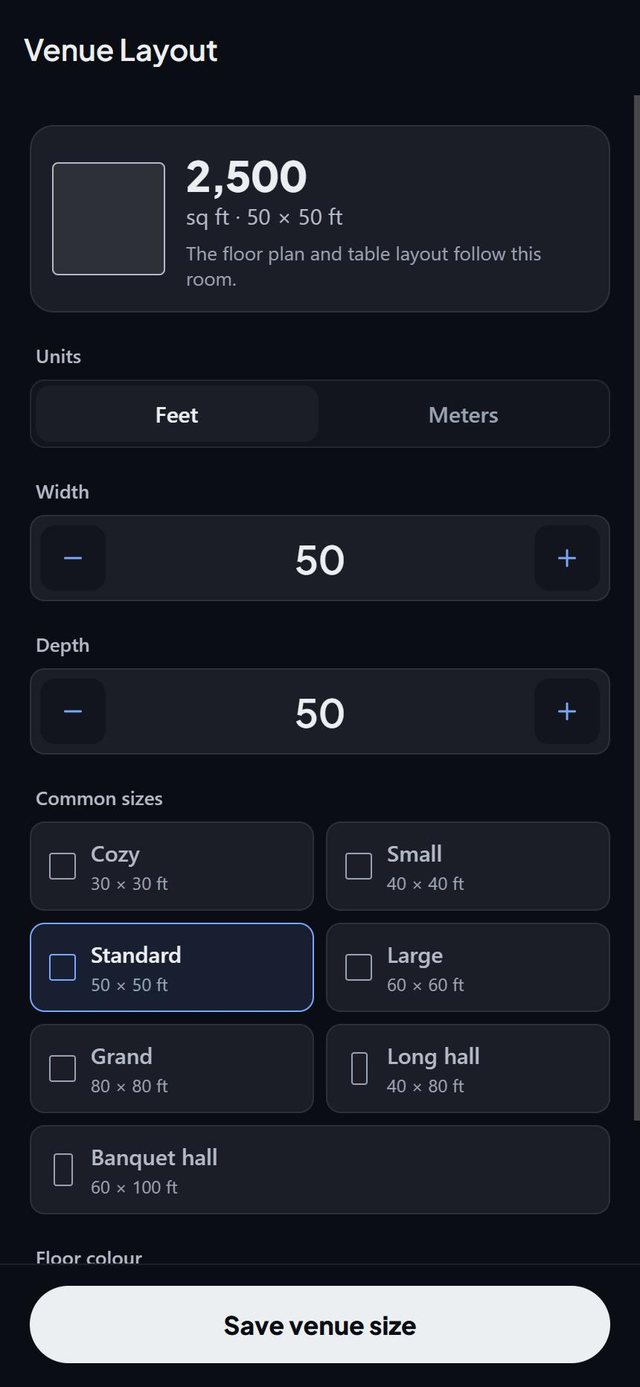 Feet or metres, your floor colourSet the size of the room, switch units, and pick a colour for the floor.
The details
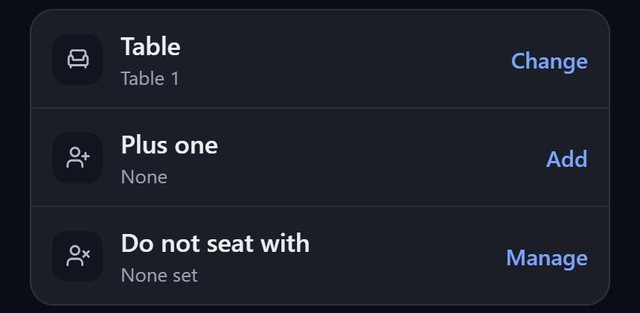 Plus-ones linked to their hostAdd a +1 from any guest. Remove the host and the +1 goes with them.
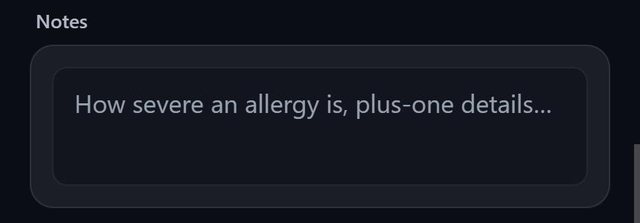 Notes on every guestHow severe an allergy is, plus-one details, anything worth remembering.
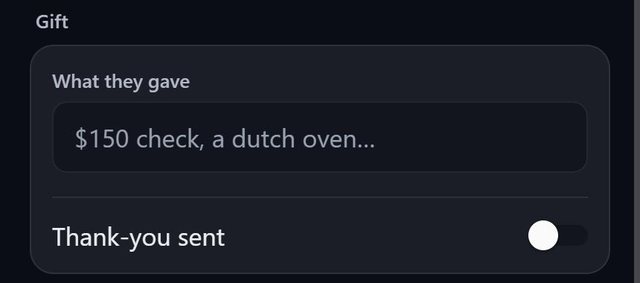 Note gifts as you open themRecord what each guest gave and tick off the thank-you.
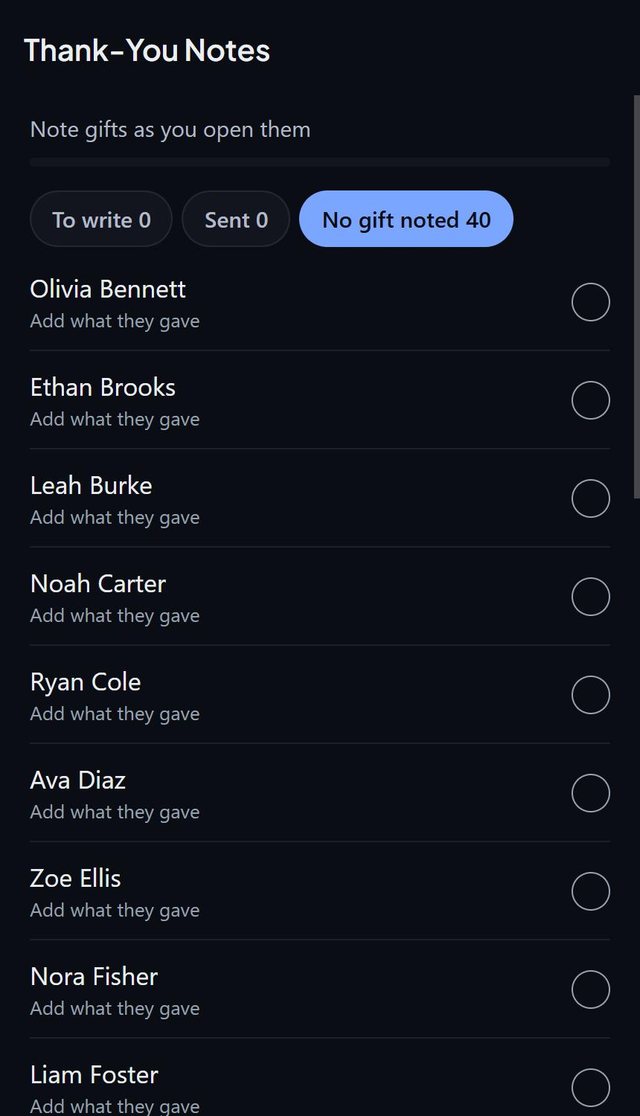 Thank-you notes after the eventFilter by to write, sent, or no gift noted.
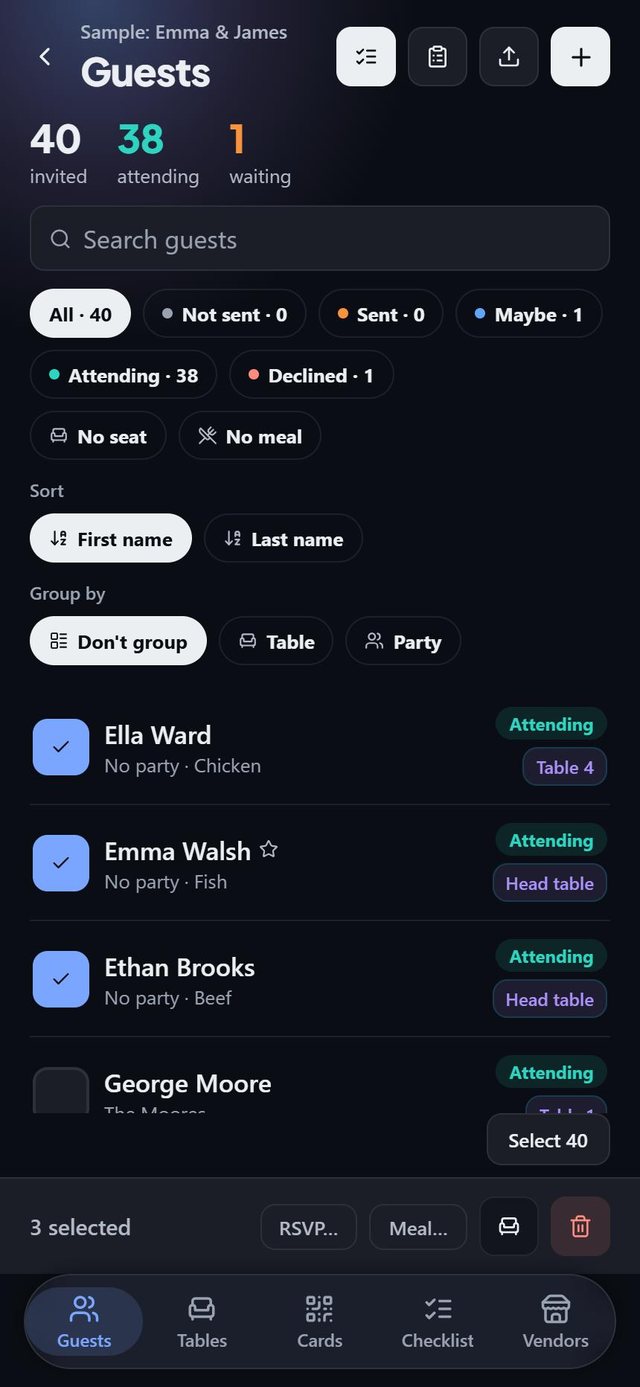 Change many guests at onceSelect guests, then set an RSVP or a meal, seat them together, or remove them.
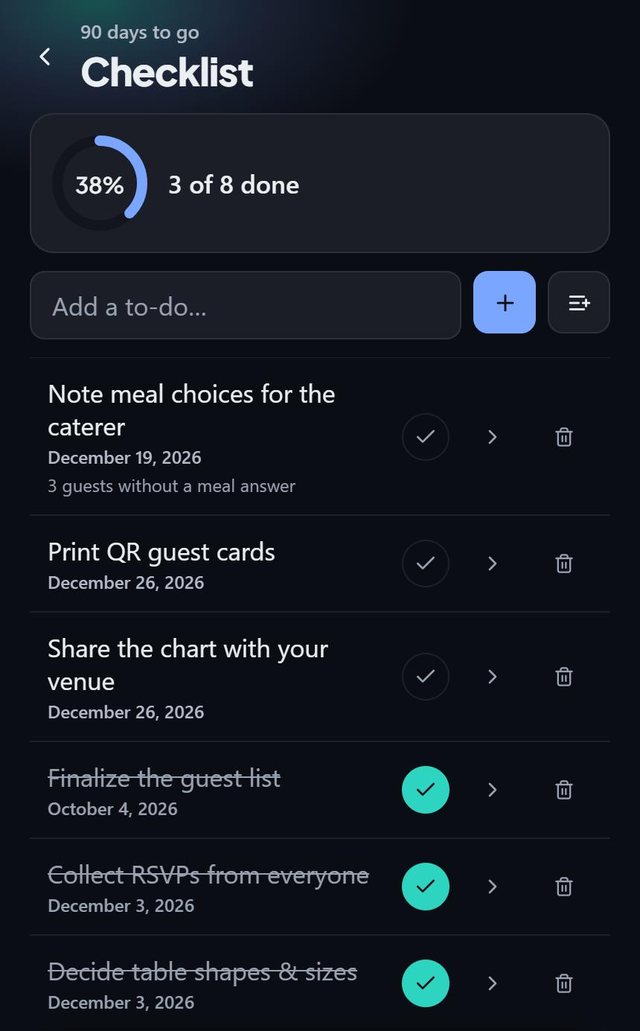 A checklist for the eventTasks with deadlines and a progress ring.
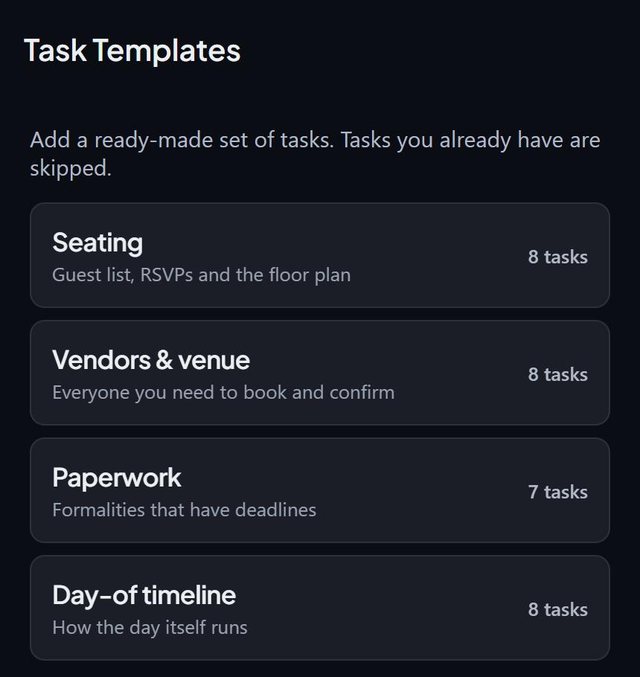 Ready-made task setsSeating, vendors and venue, paperwork and the day-of timeline. Tasks you already have are skipped.
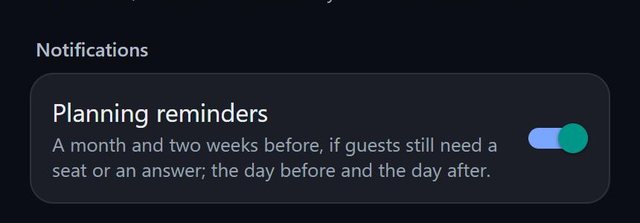 Planning remindersA month and two weeks before if guests still need a seat or an answer, plus the day before and the day after.
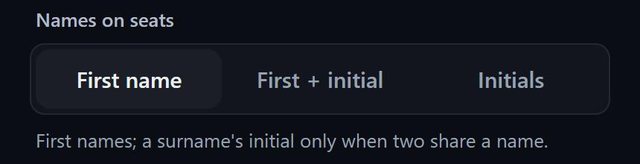 Names on seats, your wayFirst name, first name plus initial, or initials.
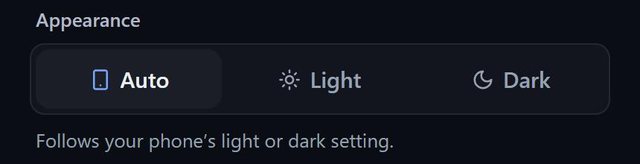 Light, dark or automaticFollows your phone's setting, or stays as you choose.
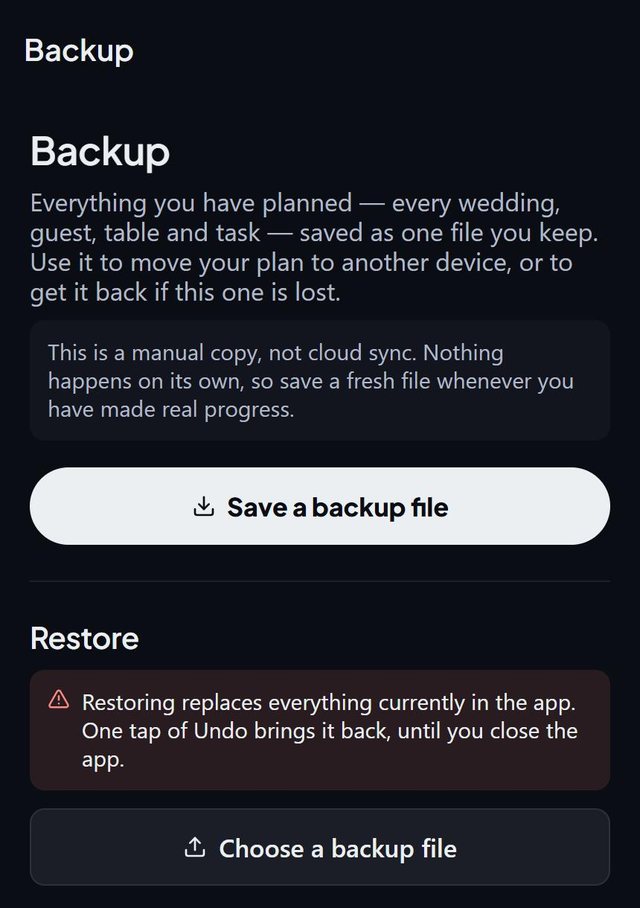 One-file backupEverything you planned in a single file you keep, to move to a new phone or to get back after a loss.
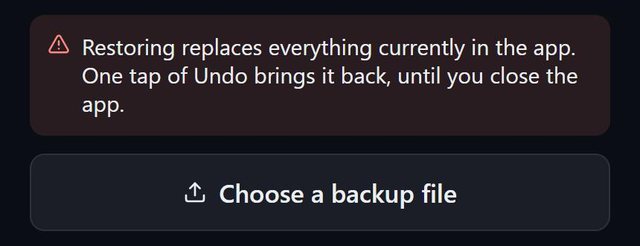 Restore and undoRestoring replaces what is in the app. One tap of Undo brings it back until you close the app.
On your phone
- Scan a paper listPoint the iPhone camera at a printed or handwritten list in the paste box.
- Add from contactsPick people from your contacts. Names and phone numbers stay on your phone.
- Home-screen countdownDays to go and seats filled, on the iPhone home screen.
- Add the date to your calendarOne tap from the event.
- iPadRuns on iPad too, and the floor plan uses the full width.
About SeatSpot
SeatSpot is a seating chart app for weddings and events on iPhone and Android, made by EnergyX LLC. It works offline, needs no account and keeps your guest list on your phone. Launching soon in the US.
SeatSpot is free to start: one event with one table and eight guests. An event pass opens everything for one event for $19.99 once, and Pro is $9.99 a month or $59.99 a year. See pricing.