
Split your wedding guest list by side
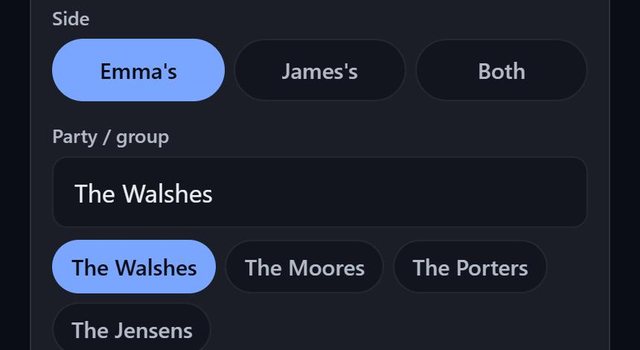
At a wedding, SeatSpot asks whose side each guest is from and shows the split on the guest report. The labels come from the couple's names in your event title, so Emma & James gives Emma's, James's and Both.
- Where in the app
- Guest screen, weddings only
- Plan
- Free plan
- Account
- None needed
- Updated
How it works
- Name the event with the couple, for example Emma & James.
- Open a guest and pick a side: the first partner's, the second's or Both. Tap the chosen side again to clear it.
- Open the Guest report to see the split, for example Emma's 62 · James's 58 · Both 10, and how many guests have no side yet.
- Export the CSV. It has a Side column that imports back.
Good to know
- A title that names no couple gives Side 1 and Side 2.
- A hand-typed sheet may say the names, 1, 2 or Both when importing.
- Only weddings ask for a side. Other events do not.
- Sides are part of the free plan.
Common questions
Is this only for weddings?
Yes. Other event types do not show sides.
Where is the split shown?
On the Guest report, with a count of guests that have no side yet.
Can I import sides?
Yes. A Side column in a spreadsheet is read, and the CSV export writes one.