
Notes on every guest
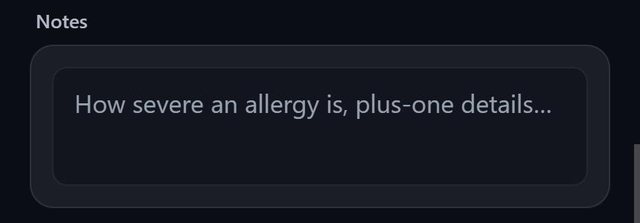
Every guest in SeatSpot has a free-text note for the things that matter on the day: how severe an allergy is, a mobility need or an arrival after the ceremony. Notes show on the seating-by-table sheet the venue works from.
- Where in the app
- Guest screen, Notes
- Plan
- Free plan
- Account
- None needed
- Updated
How it works
- Open a guest and type in Notes.
- A small marker appears on the guest row, so you can see who has a note without opening everyone.
- Export Seating by table. The note prints under the guest's name.
- Notes are also in the CSV export and can be imported.
Good to know
- The marker says a note exists, not what it says.
- The allergy itself belongs in Dietary needs, which the caterer sheet counts.
- Notes do not print on the alphabetical guest list PDF, which already runs to eight columns.
- The importer reads a column headed Notes or Note.
- Notes are part of the free plan.
Common questions
Do notes appear on place cards?
No. Notes appear on the seating-by-table sheet and in the CSV export.
Where should I record an allergy?
In Dietary needs, so the caterer count includes it, and put how severe it is in the note.
Can I import notes?
Yes, from a column headed Notes or Note.