
Automatic seating chart generator: Smart fill
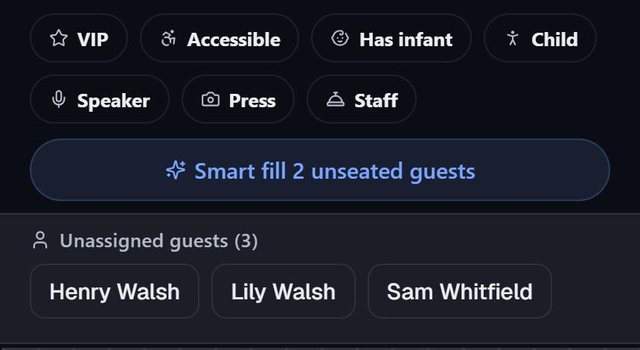
Smart fill is SeatSpot's automatic seating. One tap seats every guest who is attending and does not yet have a chair, then reports exactly what it had to compromise on, so you can undo it in one tap.
- Where in the app
- Tables tab
- Plan
- Free plan
- Account
- None needed
- Updated
How it works
- Mark guests as Attending, and add tables with enough chairs.
- On the Tables tab, run Smart fill. The question it asks first says which seating style your event type will get.
- Read the result bar, for example: Seated 34 · 2 despite conflicts · 5 left unseated · 1 party split.
- Keep the result, or tap Undo to put the room back. Then fine-tune by dragging.
Good to know
- Weddings, birthdays, baby showers, bachelor and bachelorette parties, wakes and other events keep groups together: largest group first, into the smallest table that fits.
- Company events and official receptions work the opposite way and spread each group across as many tables as possible.
- It avoids tables that would break a do-not-seat-with pair. It seats the pair anyway only when no other table has room, and says so afterwards.
- Accessible guests and guests with infants are placed near the Entrance and away from the Dance floor, and speakers near the Stage. This needs those areas drawn on the plan.
- It only seats guests marked Attending. People who have not replied are left to you.
- To redo a single table, open it: Unseat empties the table and Fill seats only its free chairs.
Common questions
Does Smart fill seat guests who have not replied?
No. It seats only guests marked Attending, because an automatic pass should not decide for you about someone who may not come.
Can I choose between keeping groups together and mixing them?
Not with a setting. It follows the event type you picked, so choose a company event to spread groups or a wedding to keep them together.
What does it do when two guests must be apart?
It avoids tables where one of them already sits. If every table with room has a conflict, it seats them anyway and the result bar says how many were seated despite conflicts.