
Undo, redo and automatic restore points
SeatSpot protects the big moves. An undo bar names what just happened with an Undo button, and before imports, auto-seating, bulk deletes and event deletes the app quietly saves a restore point you can go back to.
- Plan
- Free plan
- Account
- None needed
- Updated
How it works
- After a destructive or bulk action, tap Undo on the bar at the bottom within five seconds.
- Changed your mind? The bar then reads Undone with a Redo button for five more seconds.
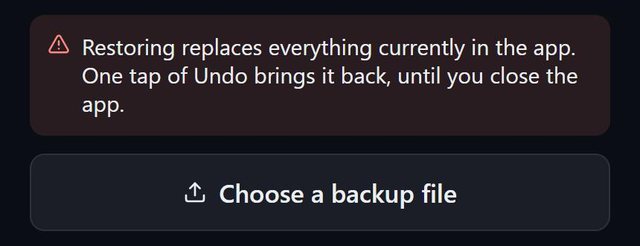
- For something undo no longer covers, open the backup screen and pick one of the last three restore points.
- Going back to a restore point makes a restore point of its own first, so choosing the wrong one costs nothing.
Good to know
- The bar covers deleting a guest or table, bulk RSVP changes, imports, Smart fill, restoring a backup, generating tables and loading a template.
- Any other action ends the offer, because undo would otherwise take back everything you did since.
- Restore points live on the device and do not travel to a new phone. They do not replace backup files.
- Only three are kept, newest first.
- Duplicating an event can also be undone.
- Undo and restore points are part of the free plan.
Common questions
How long is undo available?
Five seconds, and sooner if you do anything else.
Why is Undo so short-lived?
Undo restores the whole plan to how it was before the action, so leaving it up would also undo your later work.
What is a restore point?
A copy of the plan saved before a drastic action such as an import or deleting an event.